
Add your image source
Enter a website URL or drop in your document.
Extract and download images from website URLs, PDFs,
Word documents and PowerPoint. Preview pictures, choose your selection and save a ZIP.
Supports JPG, PNG, WebP, SVG, GIF, ICO and more
Your files stay on your device. Your ideas keep moving.
Find the right tool for a webpage, PDF or embedded document image.
Extract from URL
Extract from PDF
Extract from DOCX
Extract from PPTX
Read image metadata
Extract a palette
Text from image
Grab website icons
Turn a public webpage into an image collection you can browse. Paste a URL, review the pictures found in its HTML, and narrow the results before downloading. Keep useful product shots, portfolio images or article illustrations together for your next project.
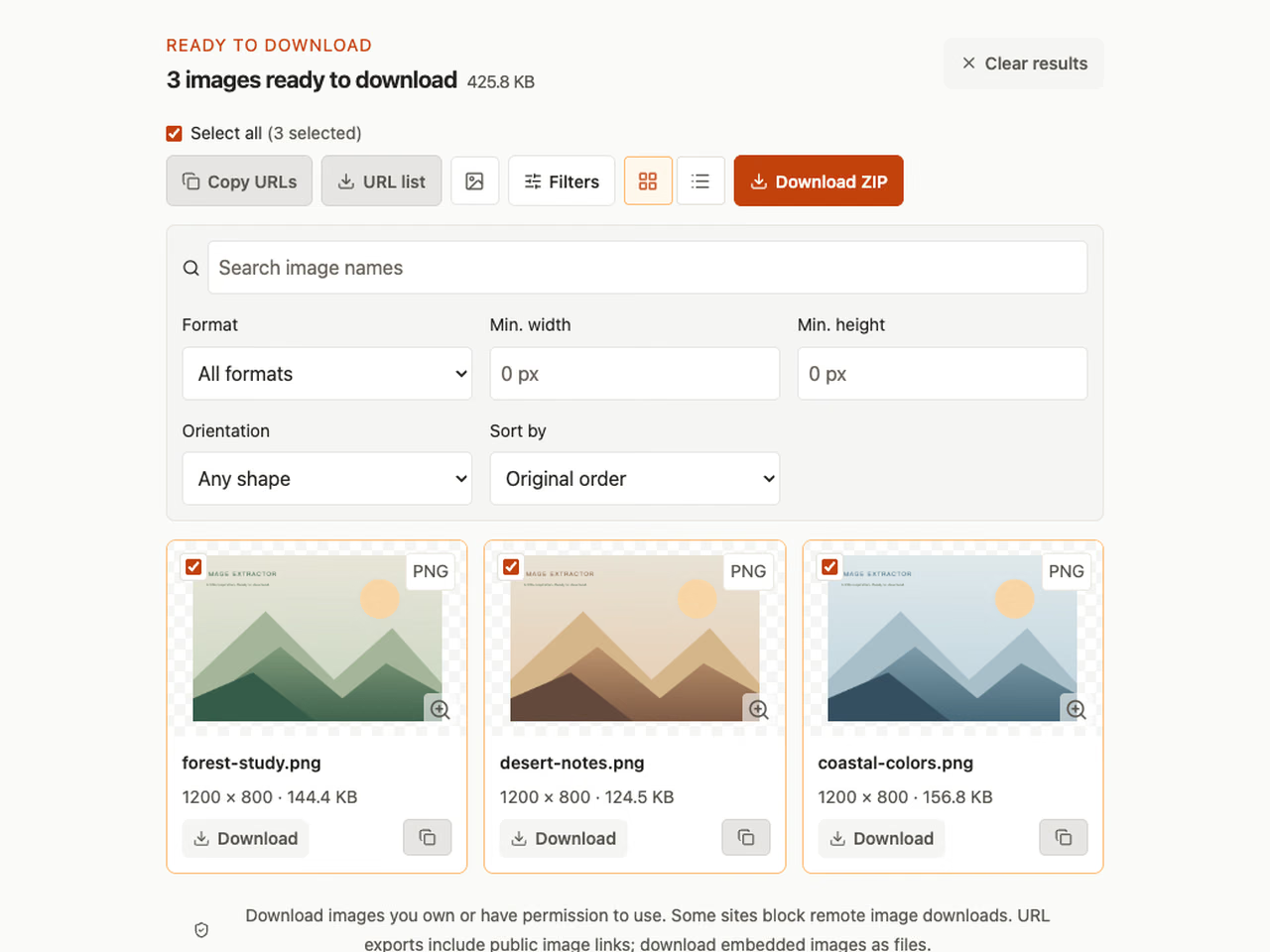
Recover the pictures inside a report, brochure or ebook without taking screenshots. Choose embedded image extraction for individual assets, or export complete PDF pages when you need the whole layout. Select a page range and prepare a focused collection right in your browser.
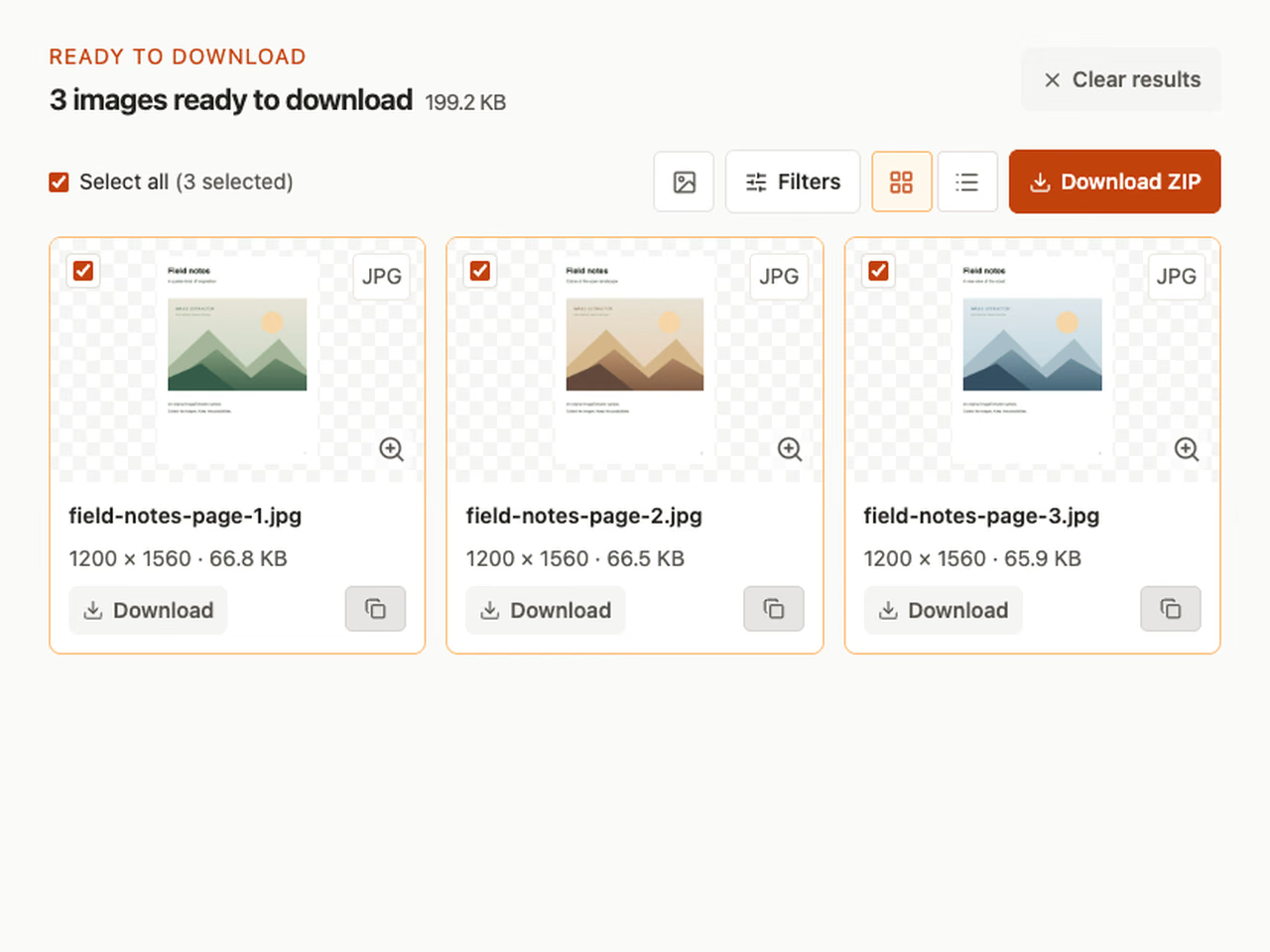
Find the media stored inside a document instead of copying pictures one at a time. Open a DOCX report, PPTX presentation or XLSX workbook to recover its embedded images. EPUB and OpenDocument tools help you collect illustrations from ebooks and compatible document files, too.
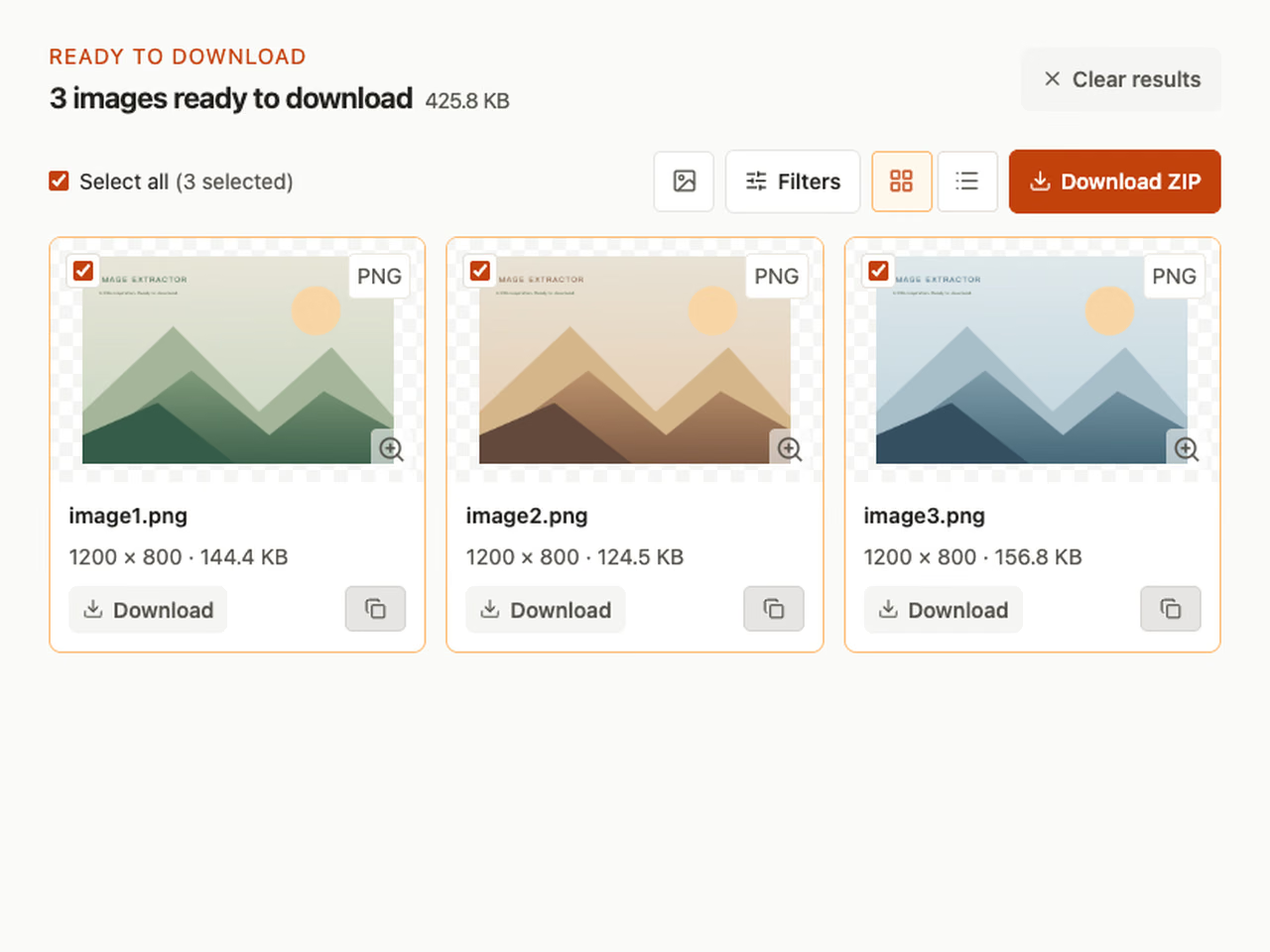
Get an extracted image ready for your website, document or presentation. Adjust dimensions, choose a compression format, and compare the actual output size with your source. Separate crop, rotate and conversion tools help you finish the picture without uploading your local files.
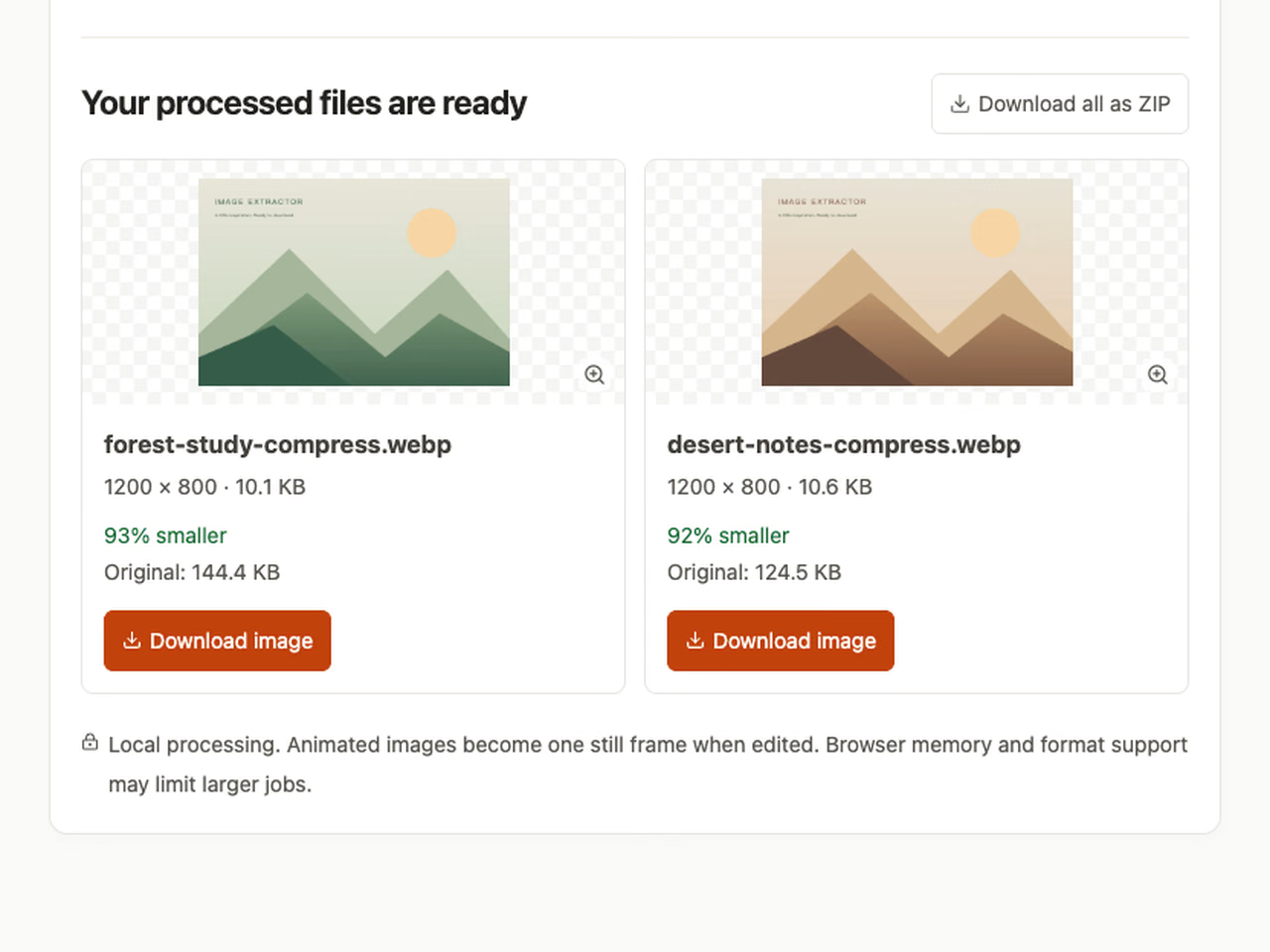
Discover more than the visible picture. Read available camera settings and timestamps, turn a photo into a palette of HEX and RGB values, or recognize printed text in a screenshot. Each tool gives you a result you can review, copy or download for your work.
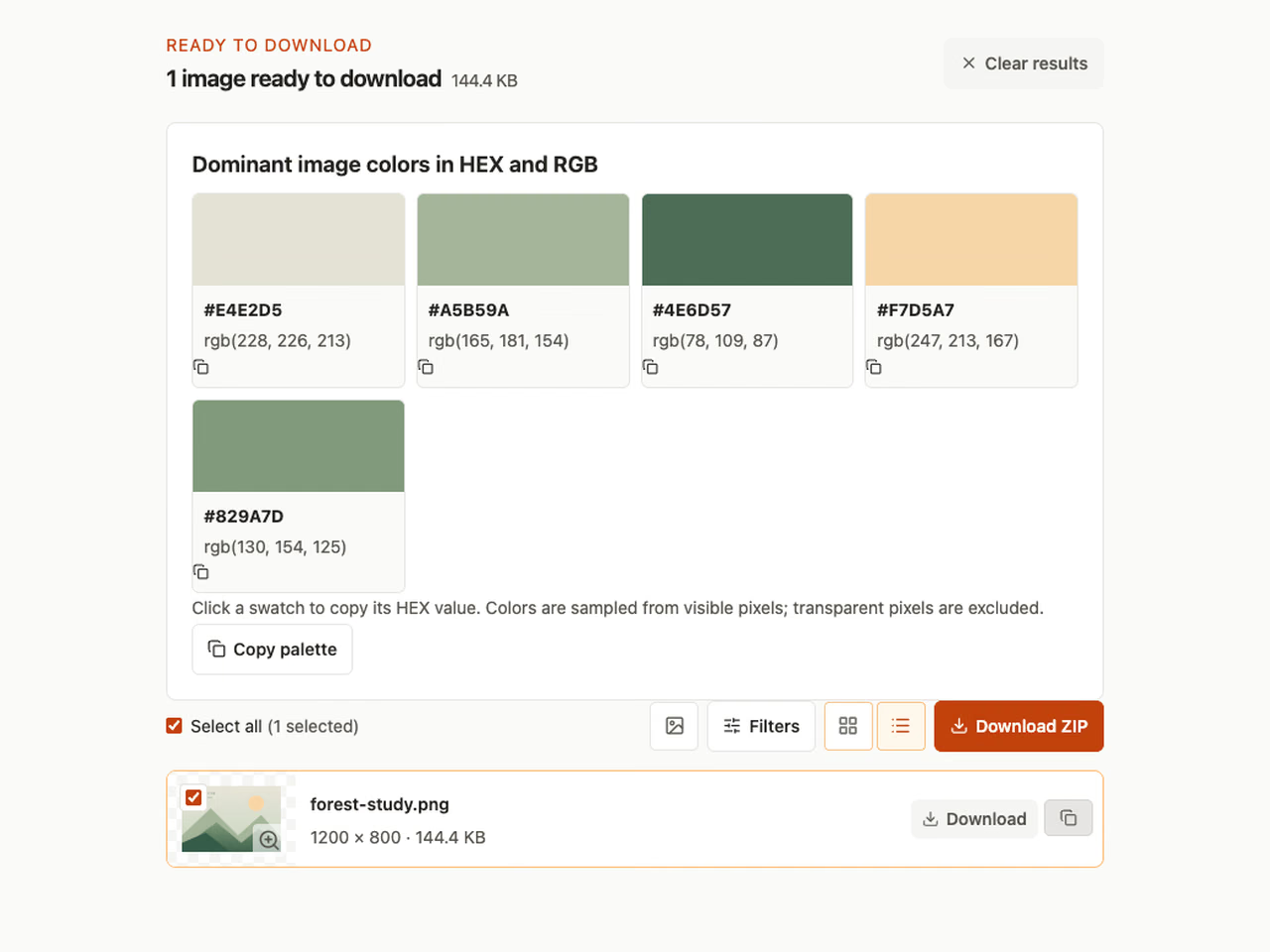
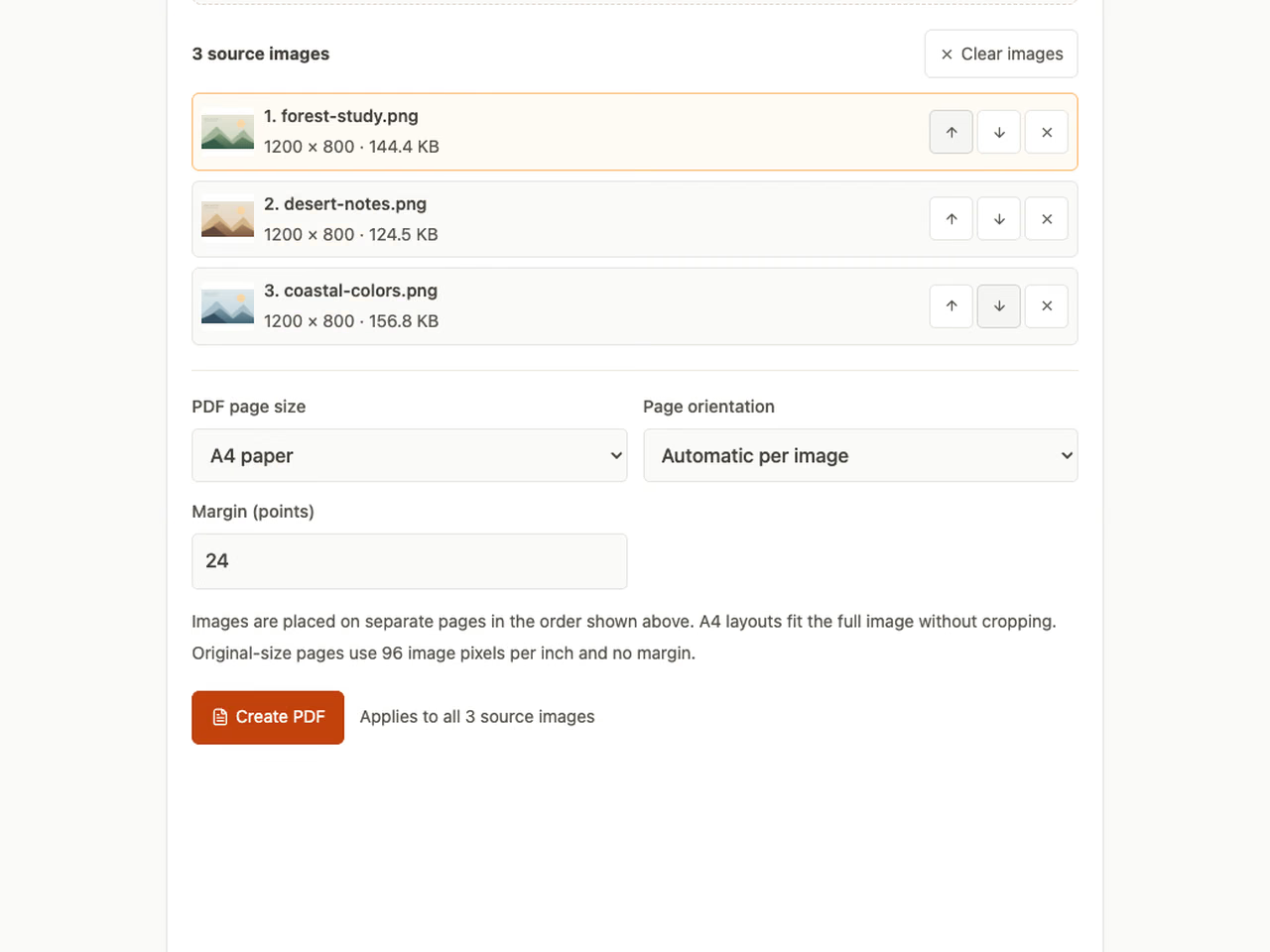
Take your image collection into the next step of a project. Encode an image as a Base64 data URL for development, decode image data back into a file, or arrange several pictures into one PDF. Preview the output and save the format you need.
Add a website URL or document, review its images and download your selection.
Enter a website URL or drop in your document.
Find your images. Filter by format, name, or size.
Download one image or save the collection as a ZIP.
Your PDFs, Word documents, and presentations are processed right in your browser.
No accounts are needed. Website URLs and remote image links require network requests.
Collect permitted website images, recover PDF pictures or build a photo palette.
Build a moodboard from portfolios, product pages, and galleries. All your finds, together.
Explore website extractorRecover embedded photos from reports and ebooks, or export a complete PDF page when a diagram includes text and vector shapes.
Explore PDF extractorTurn a photo into a starting point. Discover dominant colors and copy their HEX codes.
Explore color extractorCheck source formats, file limits, local processing and download options.
Yes. The tools on imageextractor.top are available without an account or subscription. Local processing allows up to 100 MB per input file, 20 files per batch, 300 images and 150 MB of combined output. Browser memory and website request safeguards can impose additional limits.
PDF, DOCX, PPTX, XLSX, EPUB and image files are processed in your browser. Website extraction sends the public URL to our server so it can read that page. Previewing or downloading remote images also makes network requests.
Yes. Select the images you want in the results gallery and choose the ZIP download. Filtering the gallery helps you find the right format or dimensions before selecting files.
A source can block remote requests, an image link can expire, or a file format can be unsupported by your browser. An original embedded file may still be downloadable even when the browser cannot display a preview.
No. Extraction retrieves the media stored in the source. Office archive extraction preserves embedded image bytes; PDF image extraction may decode images into PNG. Neither can recover image detail missing from the original.
Yes, in a modern mobile browser with file selection and downloads enabled. Large PDFs and high-resolution images use more memory, so a desktop browser may work better for larger jobs.
Have another question? Visit the help center